T109 / RGB mini speakers
Color that moves with the moment.
A compact stereo pair with dynamic lighting and a clean, space-conscious shape—made to bring instant energy to your desk.
View T109 details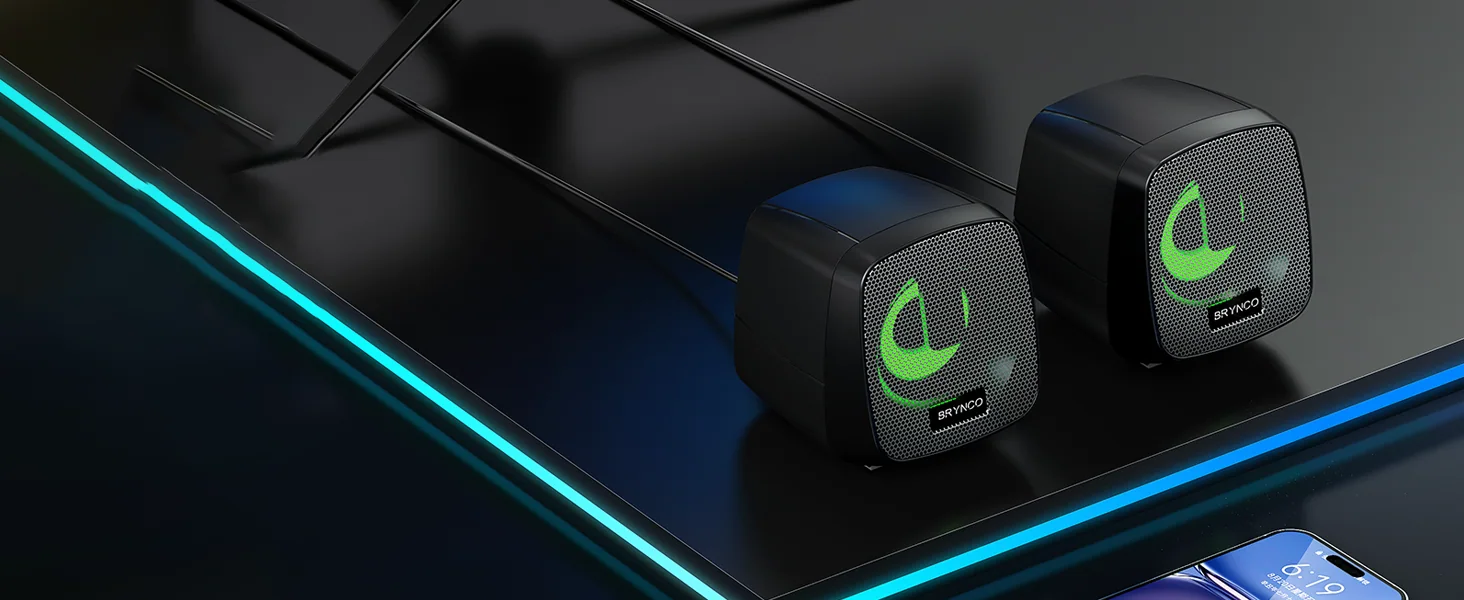
 Get help
 Desktop audio, built for now
Compact audio with a clear point of view. Designed for the way you work, play and make your space yours.
The lineup
From calm workspaces to color-forward gaming desks, Brynco makes it easy to find a speaker that fits your setup.
 01
01A111
A clean, wood-grain desktop speaker made to feel at home in focused spaces.
View A111 details 02
02A115
Low-profile desktop audio for calls, classes, videos and everyday listening.
View A115 details 03
03A87
A sharper silhouette with vivid lighting for setups that deserve more energy.
View A87 detailsT109 / RGB mini speakers
A compact stereo pair with dynamic lighting and a clean, space-conscious shape—made to bring instant energy to your desk.
View T109 details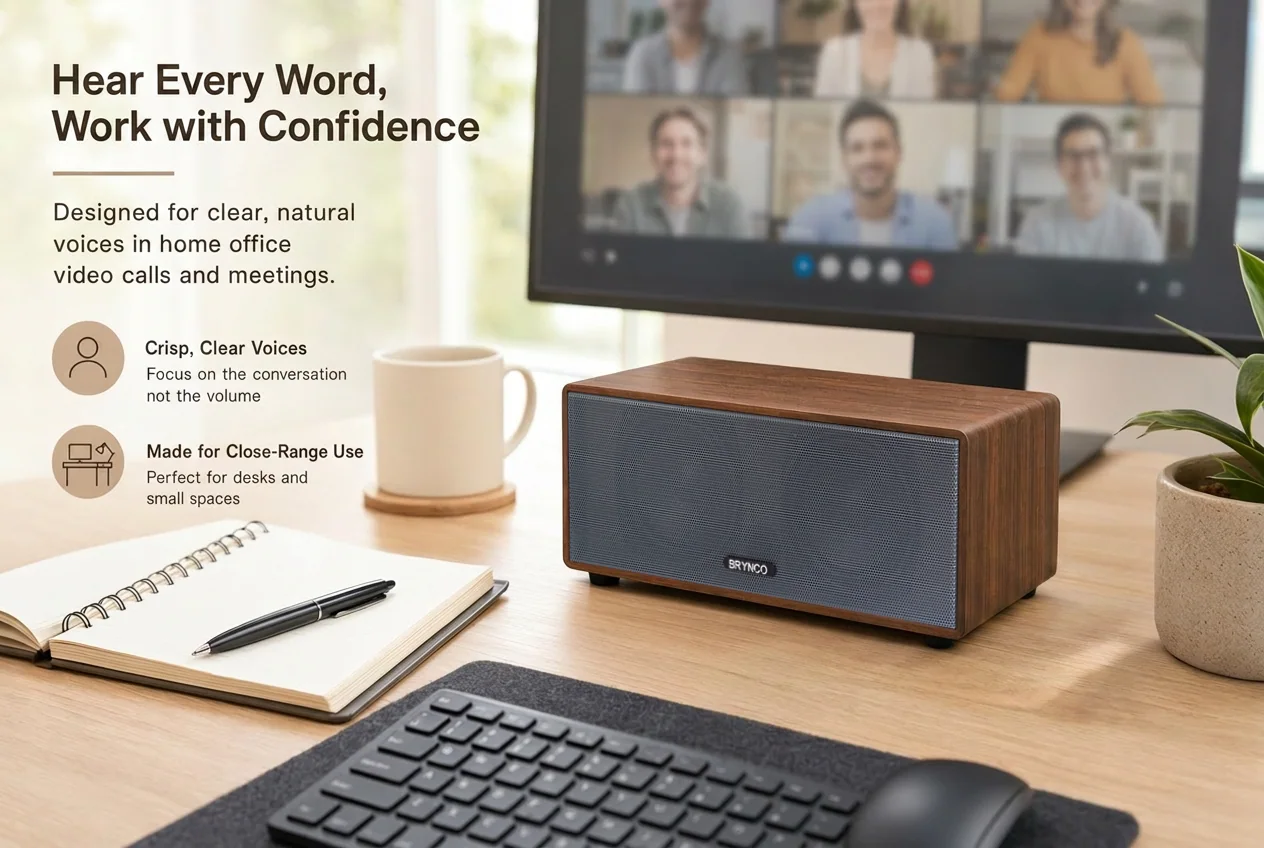
Designed around real lifeWork / Study / Play
Why Brynco
Technology should feel natural in your space—not take it over. That is why we focus on thoughtful forms, approachable controls and audio products made for everyday routines.
Simple choices. Clear controls. Less time setting up.
Compact profiles that work with your desk, not against it.
From warm finishes to vivid light, pick the mood that fits.
One desk, every day
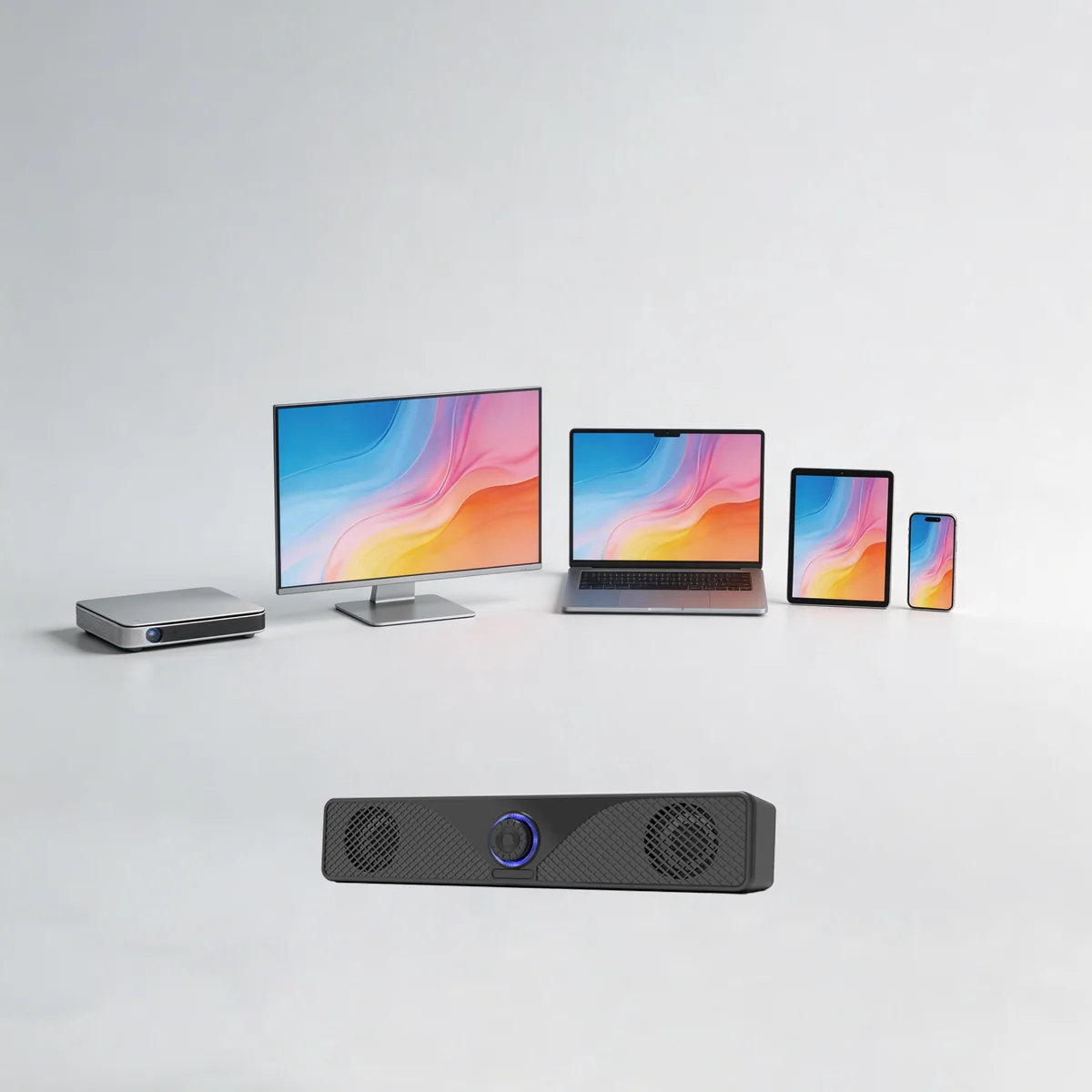
Brynco desktop audio is designed around the screens, calls, games and playlists already in your day.
Brynco care
Tell us what is happening and include your product model. Our support inbox is the fastest way to reach the Brynco team.
Email supportsupport@mybrynco.com↗Check the label on the product or packaging for a model such as A111, A115, A87 or T109.
Let us know what you expected, what happened, and the device you are using with your speaker.
If available, include your order number and a photo or short video so we can help more quickly.
Quick answers
Confirm the speaker has power, check the cable connection, and make sure the correct audio output is selected on your device.
Lower the device volume, reconnect the speaker, then increase the speaker and device volume gradually. Try another audio source if the issue continues.
Include the model, order number if available, your connected device, and a short description of the issue. Photos or video are helpful when relevant.